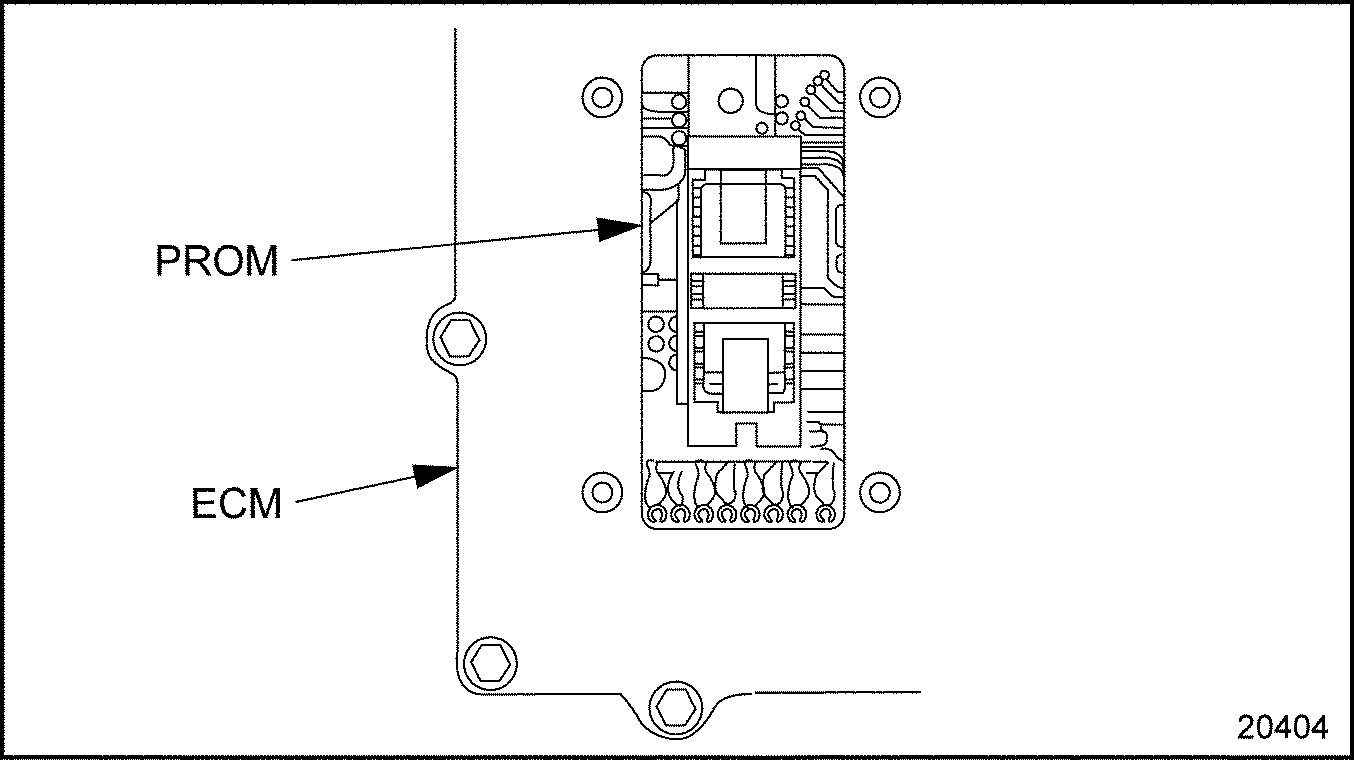
When plugged in, it becomes part of the circuits of the ECM. The PROM is used to establish engine operating specifications. Each PROM has an individual part number.
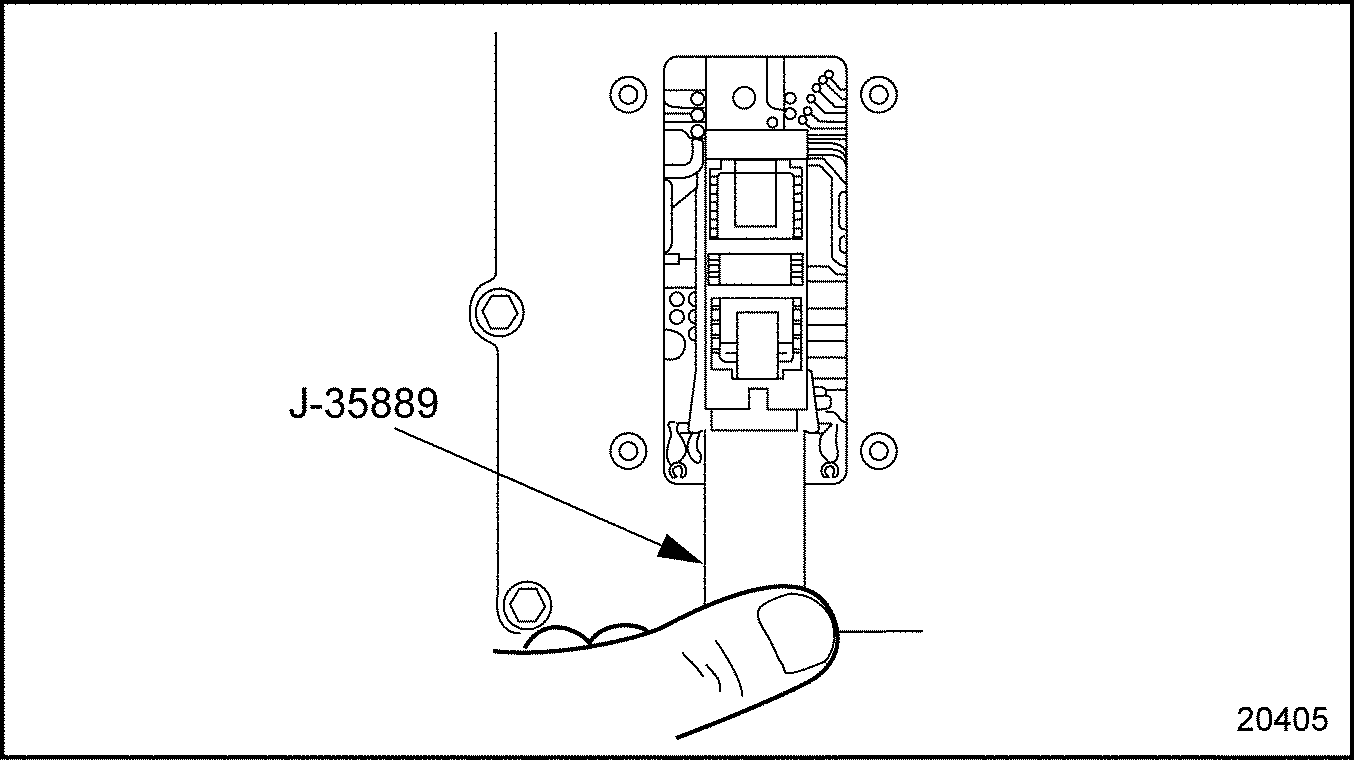
Using the rocker type PROM removal tool (J–35889–A)
, engage one end of the PROM carrier with the hook end of the tool. See Figure
"Removing PROM"
.
Figure 2. Removing PROM
Press on the vertical bar end of the tool and rock the engaged end of the PROM carrier up as far as possible.
Engage the opposite end of the PROM carrier in the same manner and rock this end up as far as possible. Repeat this process until the PROM carrier and PROM are free of the socket. When done correctly, the PROM and carrier should easily lift free of the socket.
Section 2.19.3 Installation of PROM
Perform the following steps for PROM installation:
NOTICE:
Any time a PROM is installed backwards, it will be destroyed upon applying power to the ECM.
Take the new PROM (already mounted in a carrier) out if its packaging, and check the part number, making sure it represents the PROM chosen to replace the one removed.
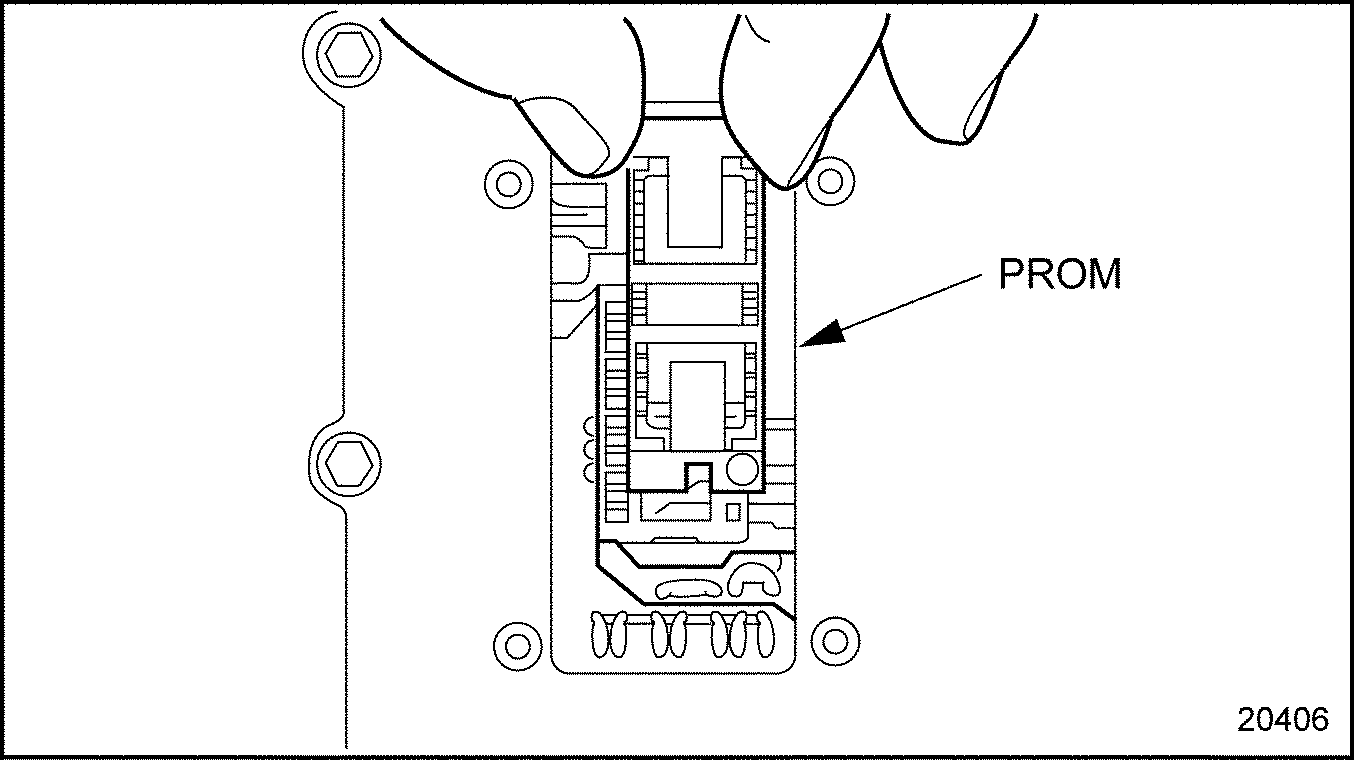
Position the new PROM and carrier squarely over the PROM socket with the small notched end of the carrier aligned with the narrow tab on the socket. The numeral one in a circle at the lower right corner of the PROM carrier should be installed in the same position as the numeral one located on the socket. See Figure
"Indexing PROM for Installation"
.
Figure 3. Indexing PROM for Installation
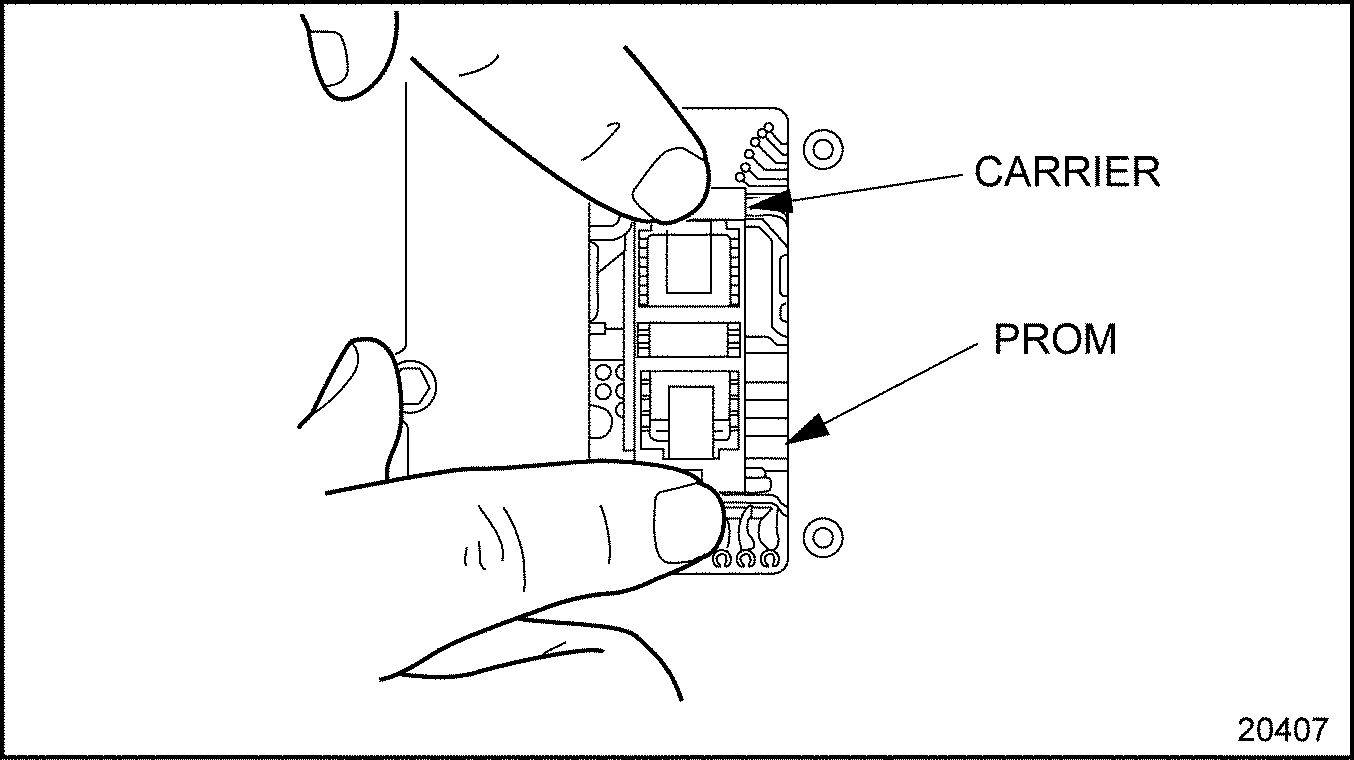
NOTICE:
Do NOT press on the PROM. To avoid damaging the PROM, press on the carrier.